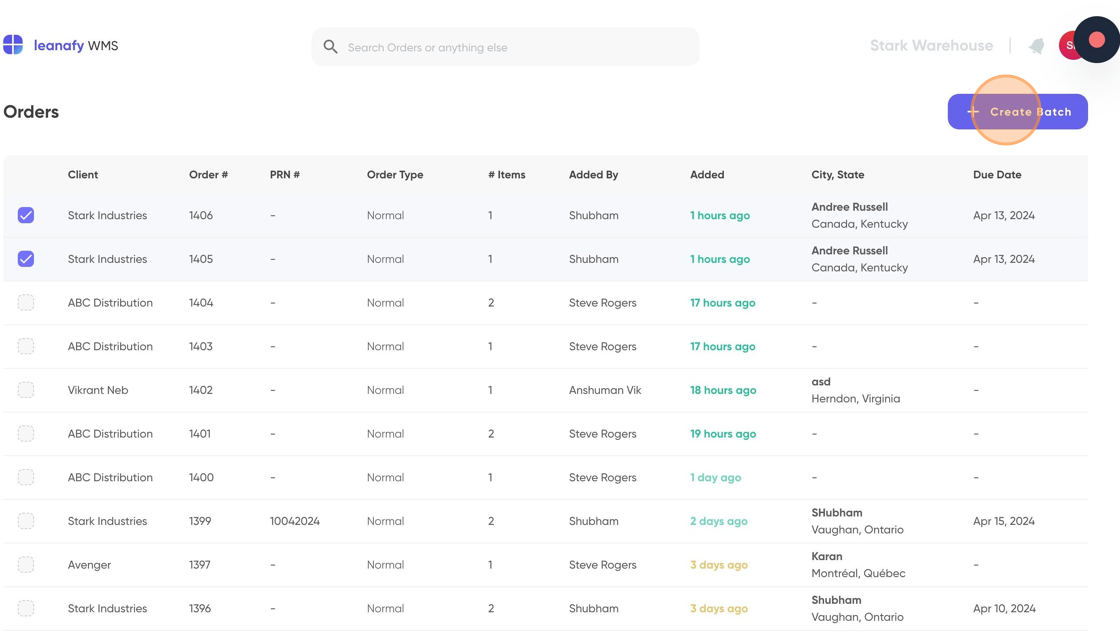
Central: How to create a batch
Last updated: September 4, 2025
This guide provides step-by-step instructions on how to create a batch in Central.
1. Go to your central dashboard and log in if necessary https://central.leanafywms.com/
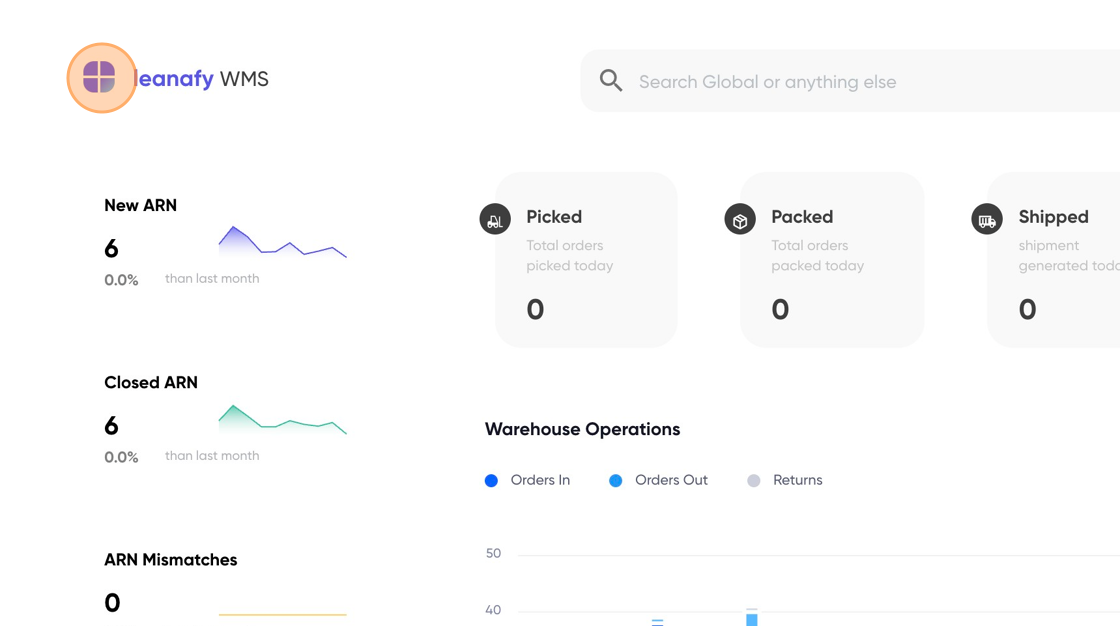
2. Click on menu item
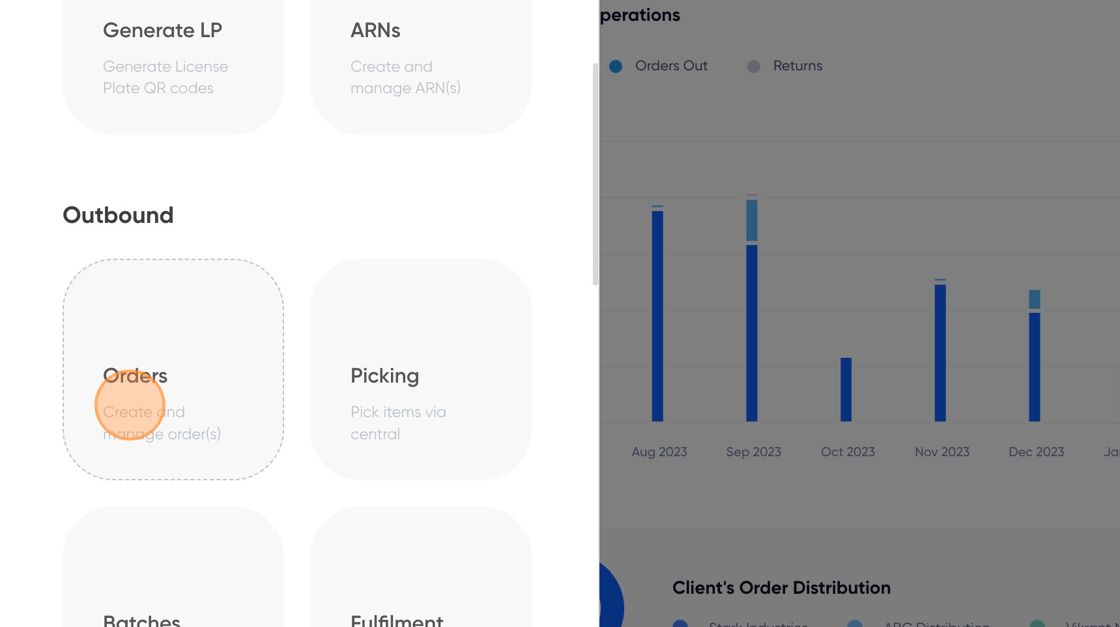
3. Click on "Orders"
4. Select all the orders you would like to include in a batch.
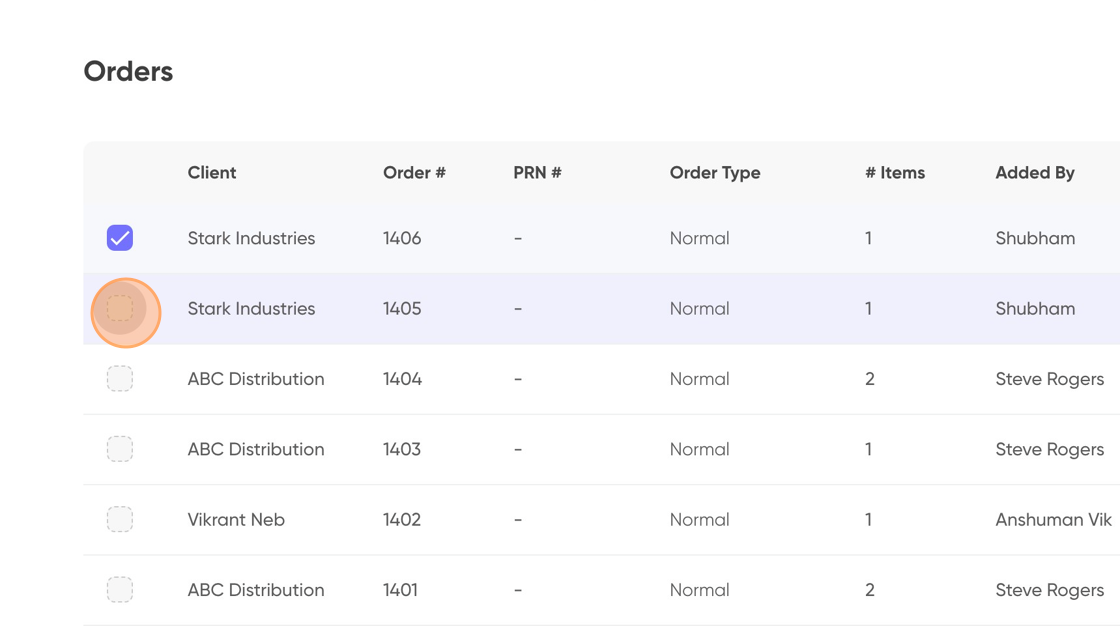
Alert: Back orders cannot be selected to create a batch.
5. Click on "Create Batch" button