Central: How to do picking for batch
Last updated: September 4, 2025
This guide provides step-by-step instructions on how to do picking for batch in Leanafy's central dashboard.
1. Go to your central dashboard and log in if necessary https://central.leanafywms.com/
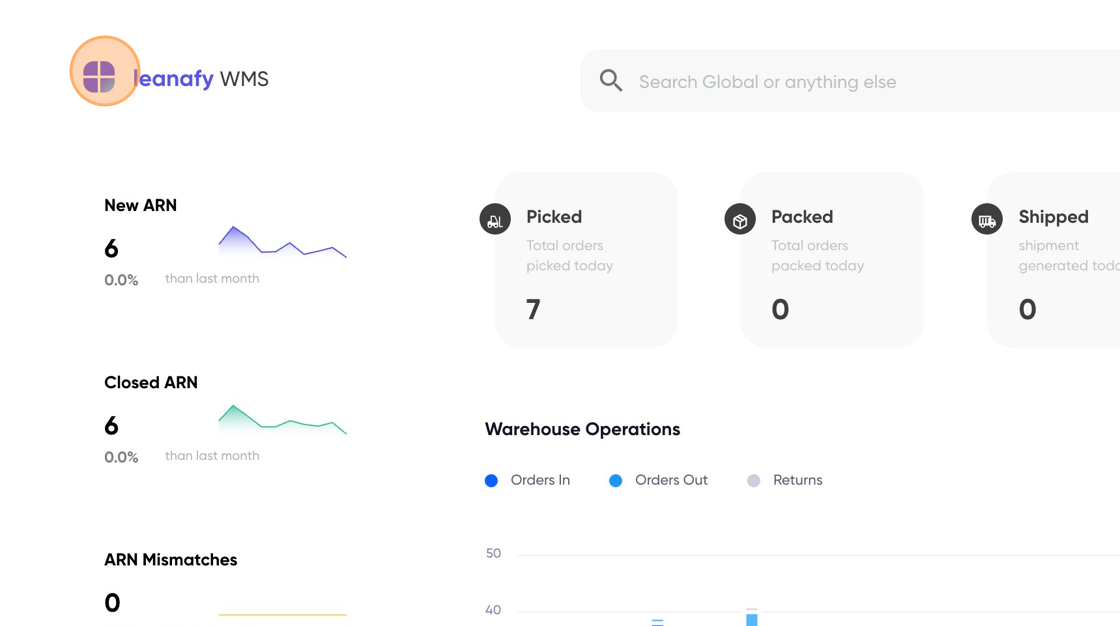
2. Click on Menu
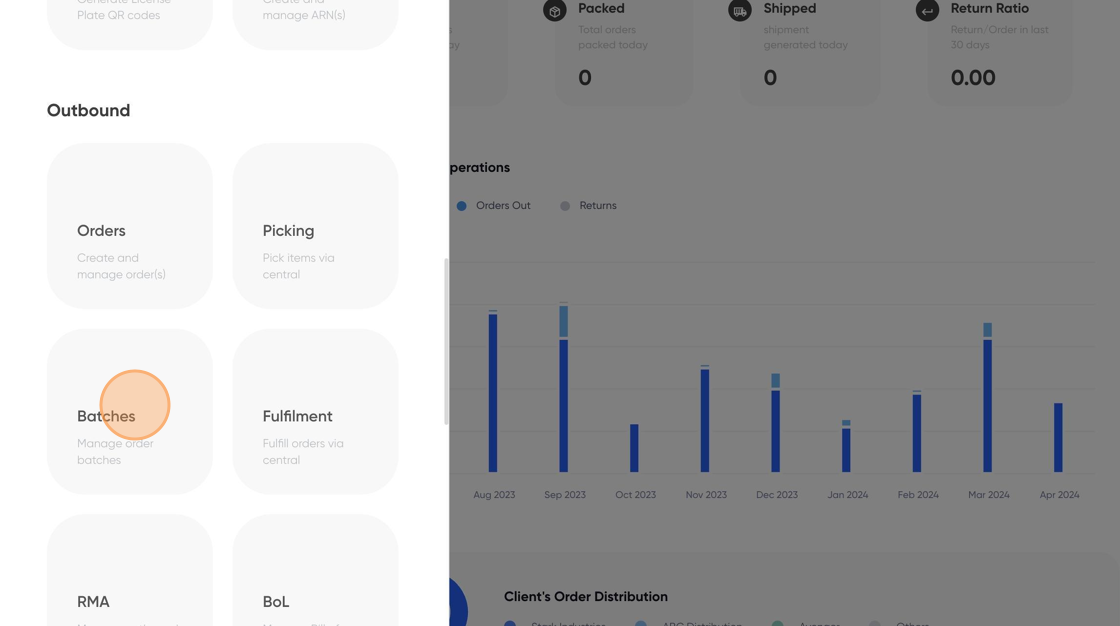
3. Click on "Batches"
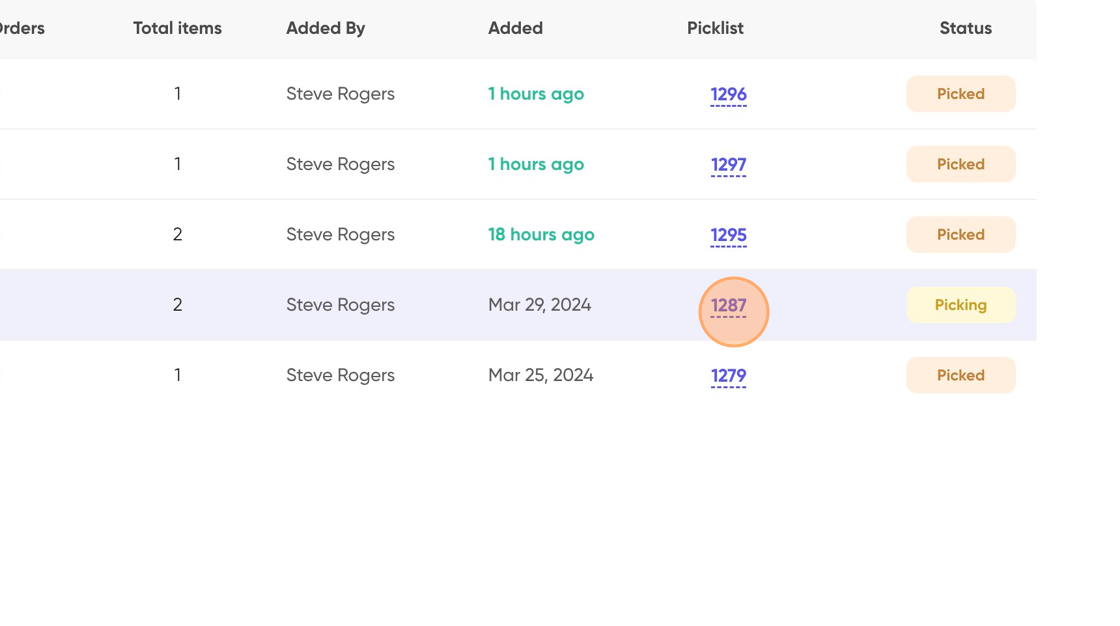
4. Click on picklist [number]
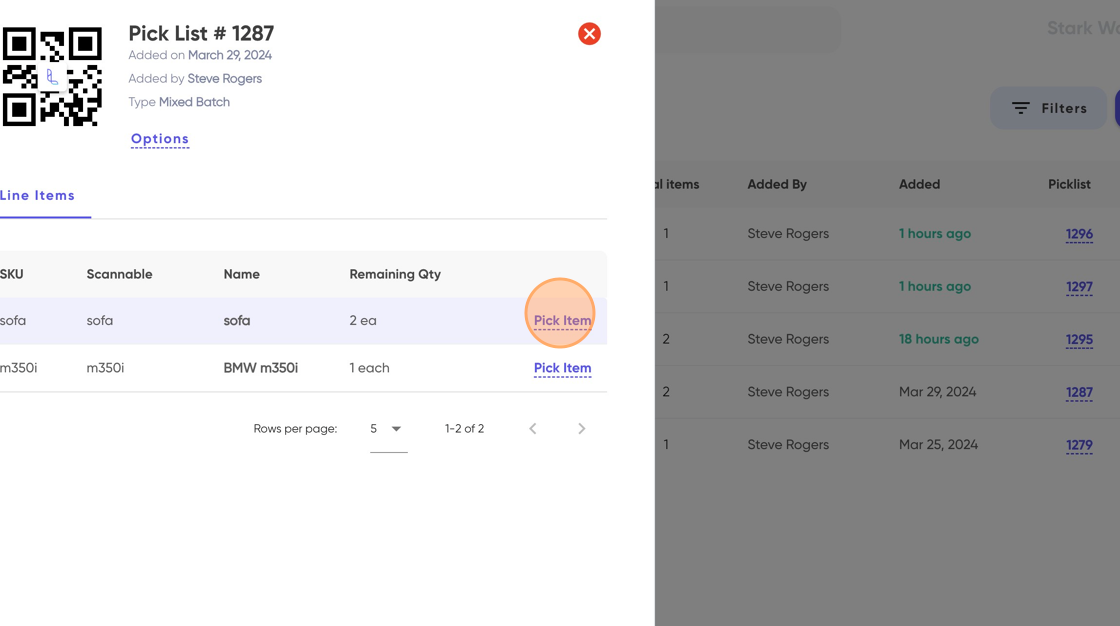
5. Click on "Pick Item"
6. Select the receiving location, enter the quantity and UoM, and then click on the "Pick Item" button.
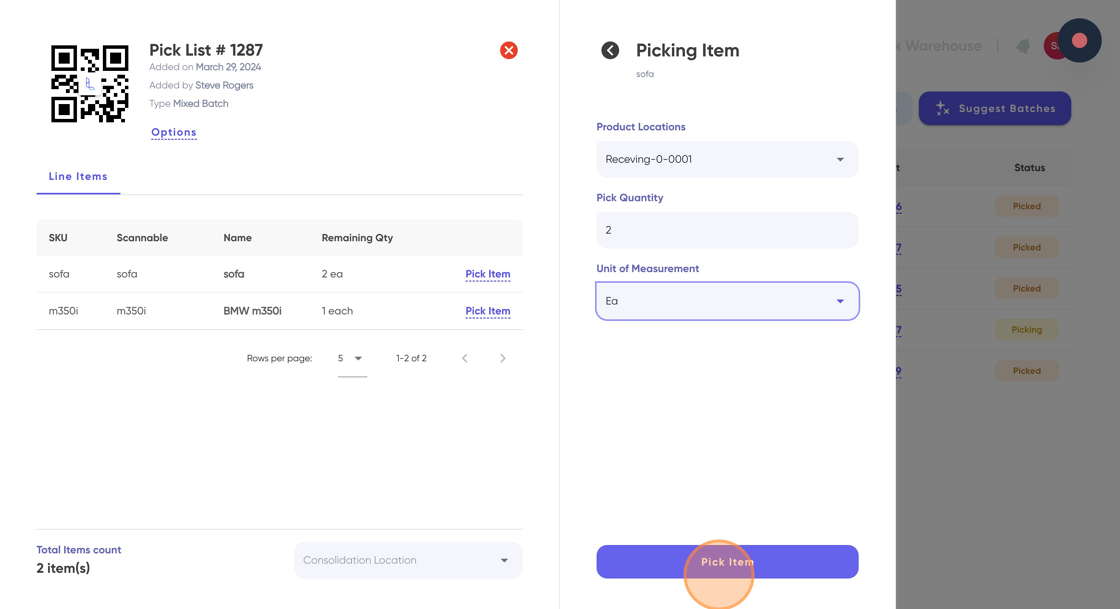
Tip: For batch products, you will have the option to select the batch first and then the product location. Similarly, for serial-controlled products, you will have to select the product serial number first and then the product location.
7. Once you have picked all the line items, click and select the consolidation location for that batch.
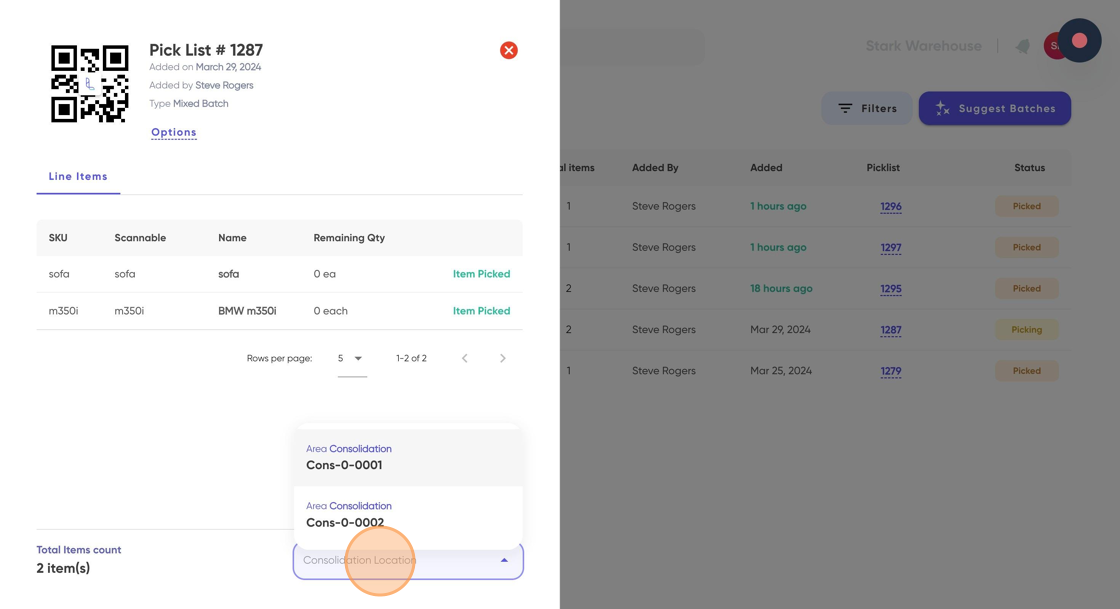
Tip: If you cannot see any consolidation location in the dropdown menu, please reach out to the Leanafy support team, and they will create one for you.