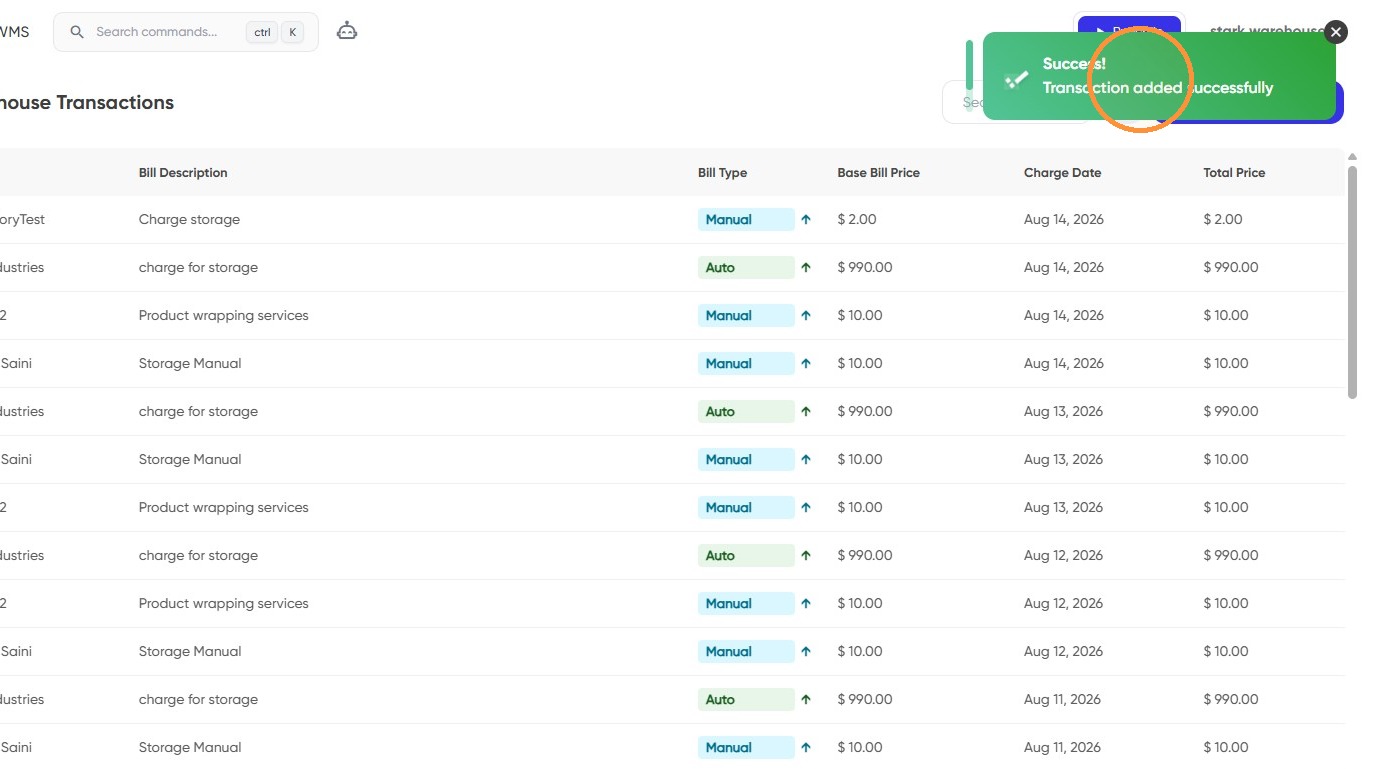
Central: How to create a manual transaction [Invoicing]
Last updated: August 14, 2026
This guide provides step-by-step instructions on how to create a manual transaction for invoicing.
1. Go to your central dashboard and log in if necessary https://central.leanafywms.com/
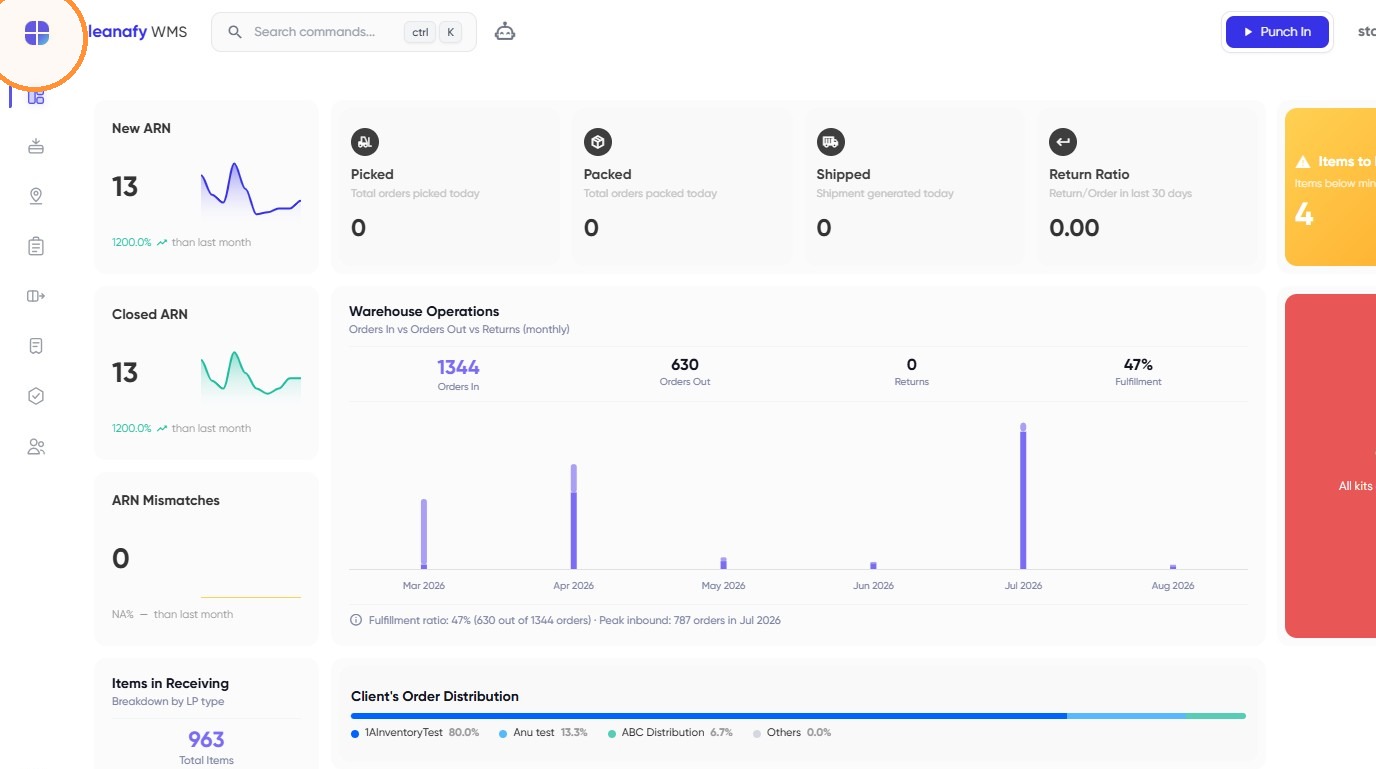
2. Click on Menu.
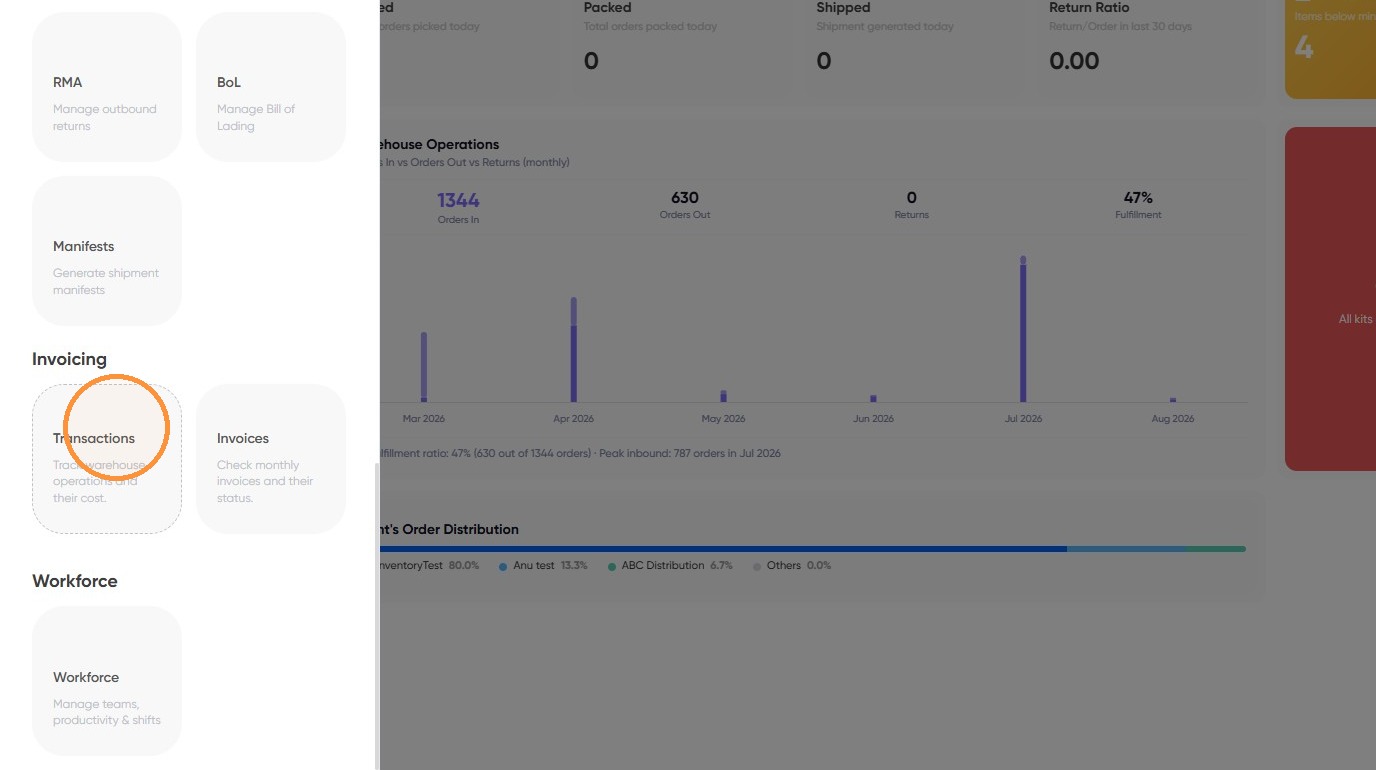
3. Click on "Transactions" from menu item.
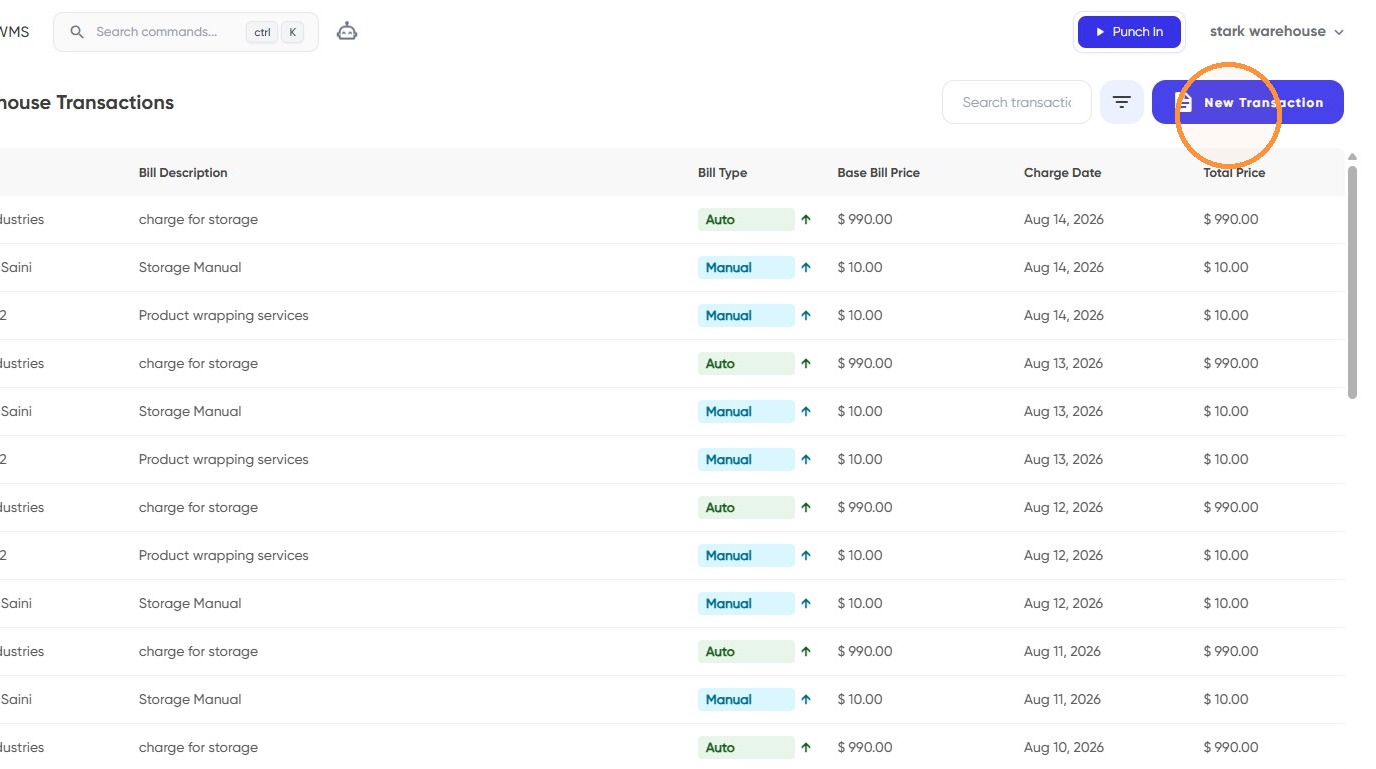
4. Click on "New Transaction"
5. Click on "Manual Transaction" tab
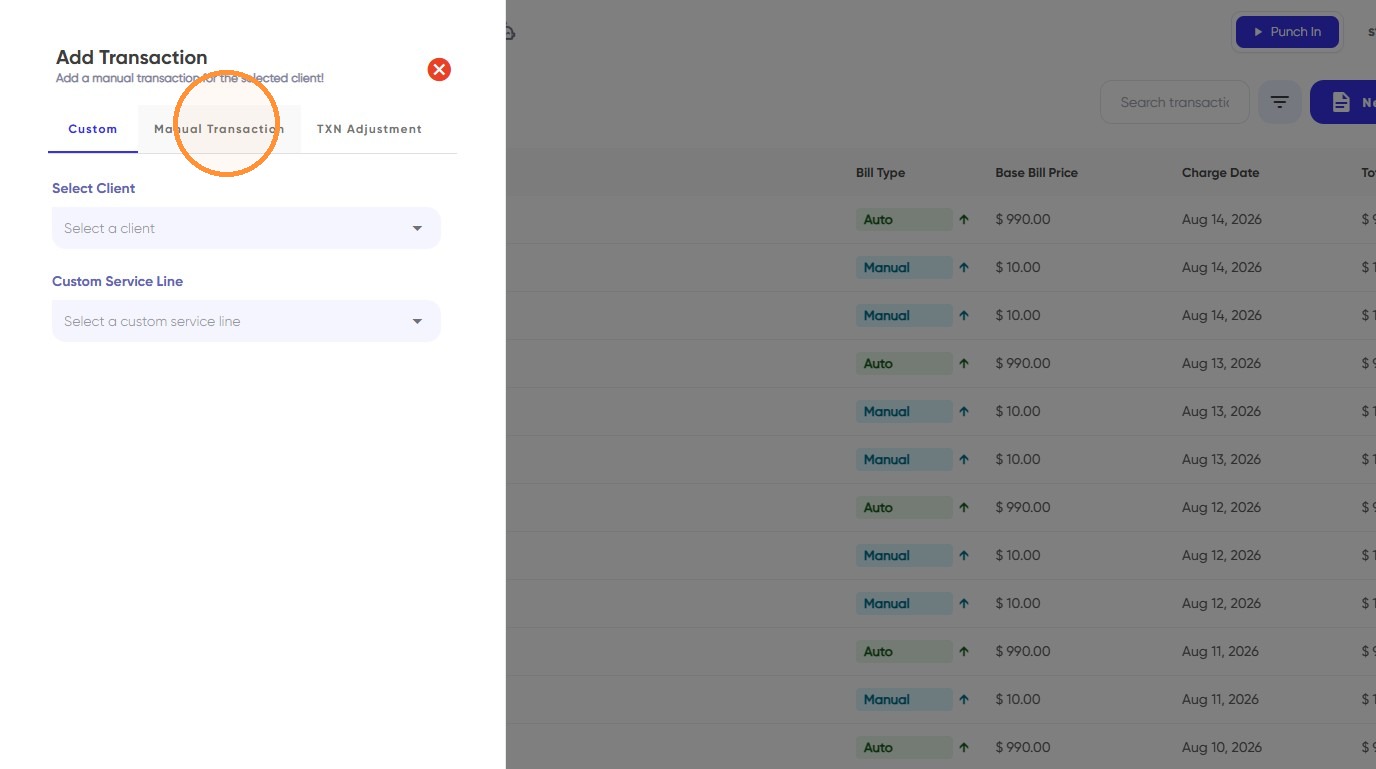
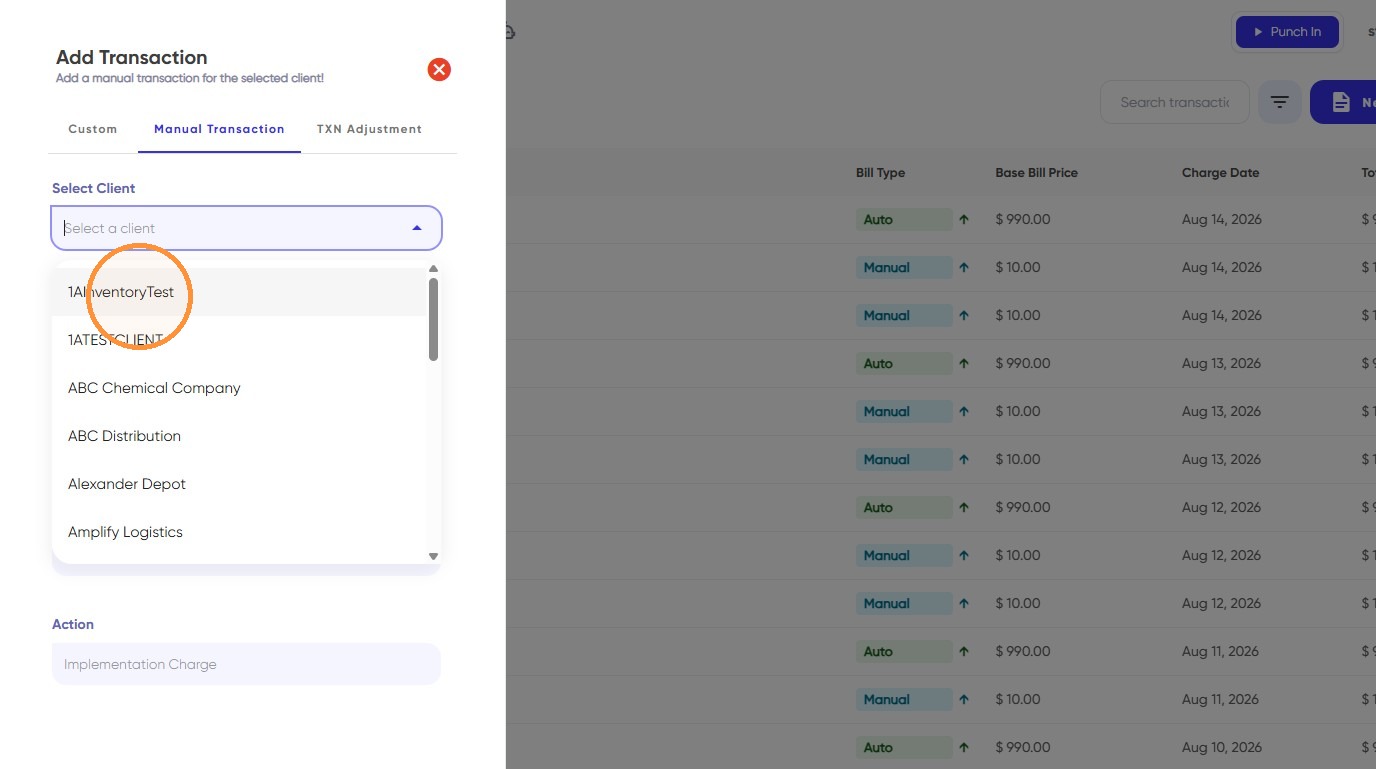
6. Select a client from the dropdown
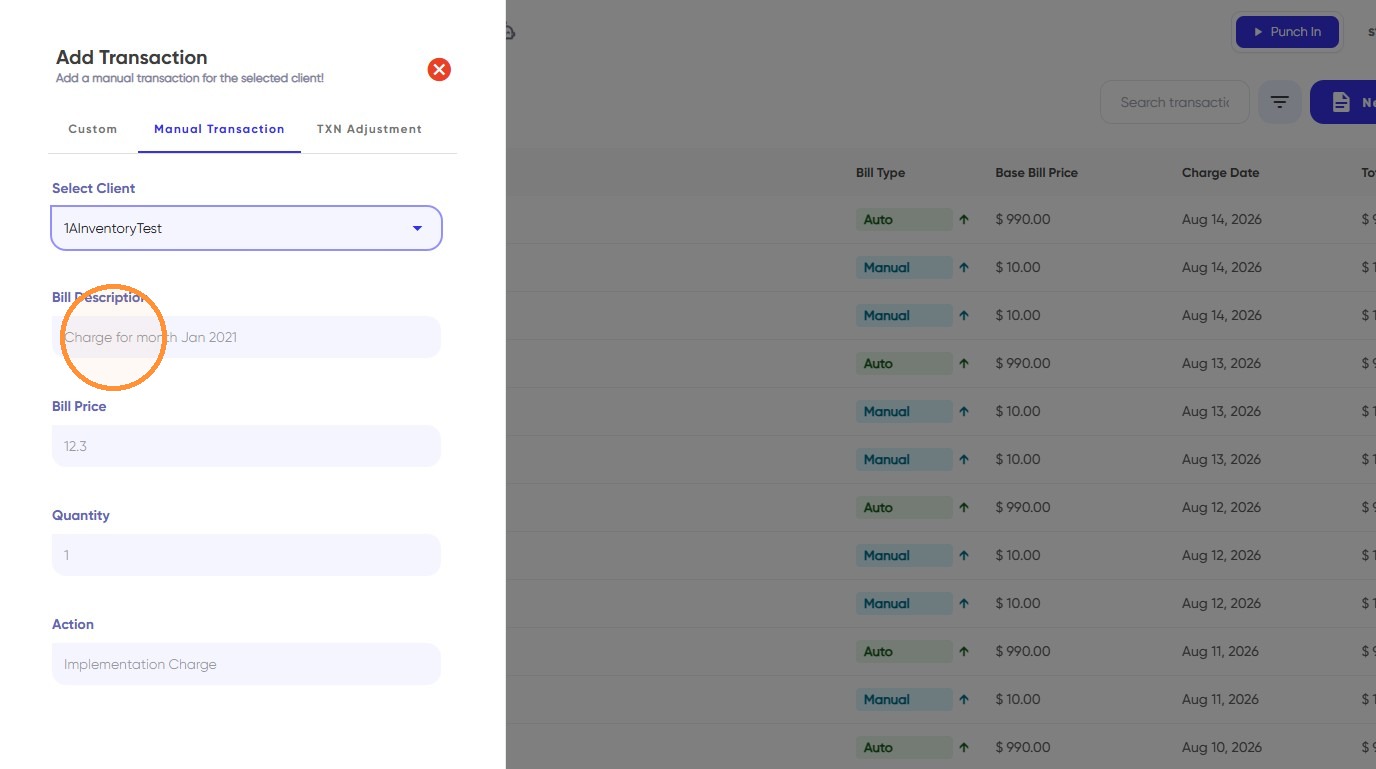
7. Enter the Bill description
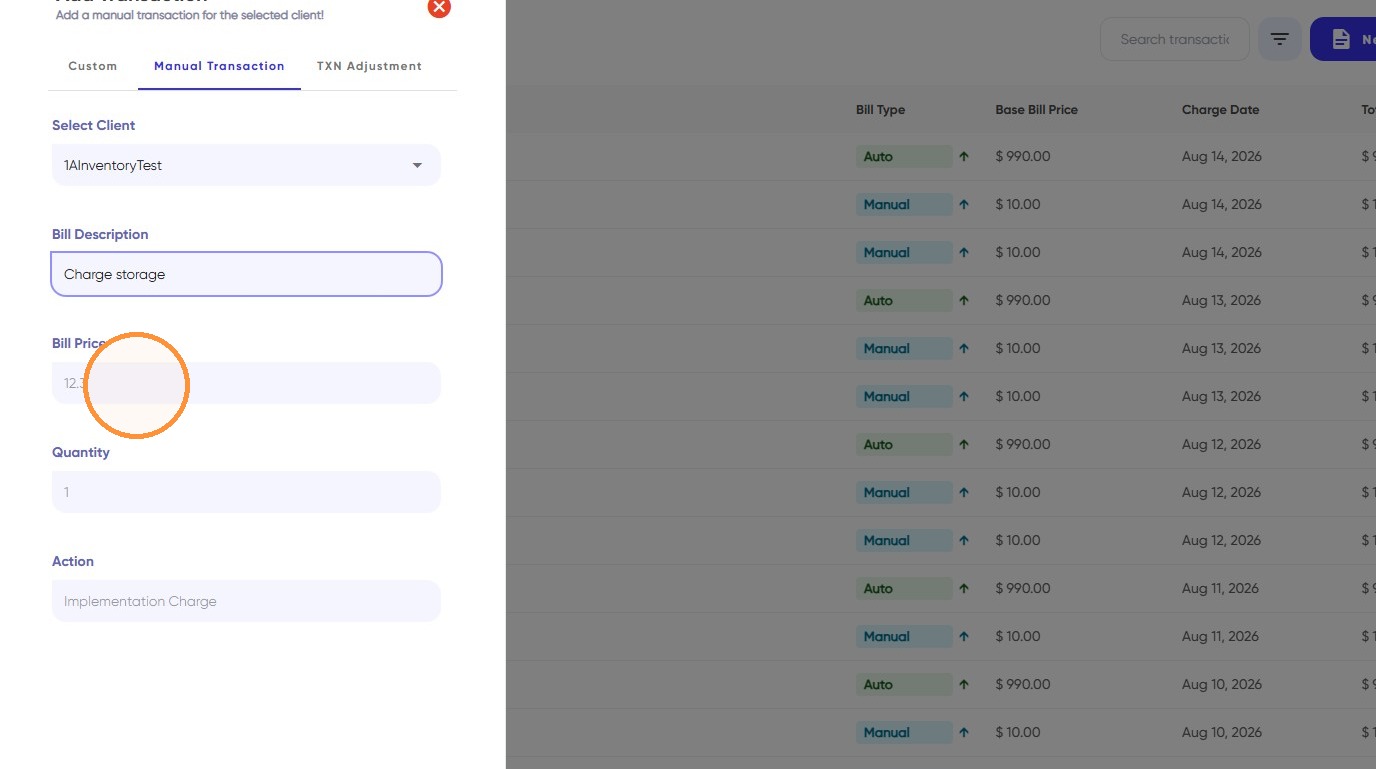
8. Enter the bill price
9. Enter the quantity.
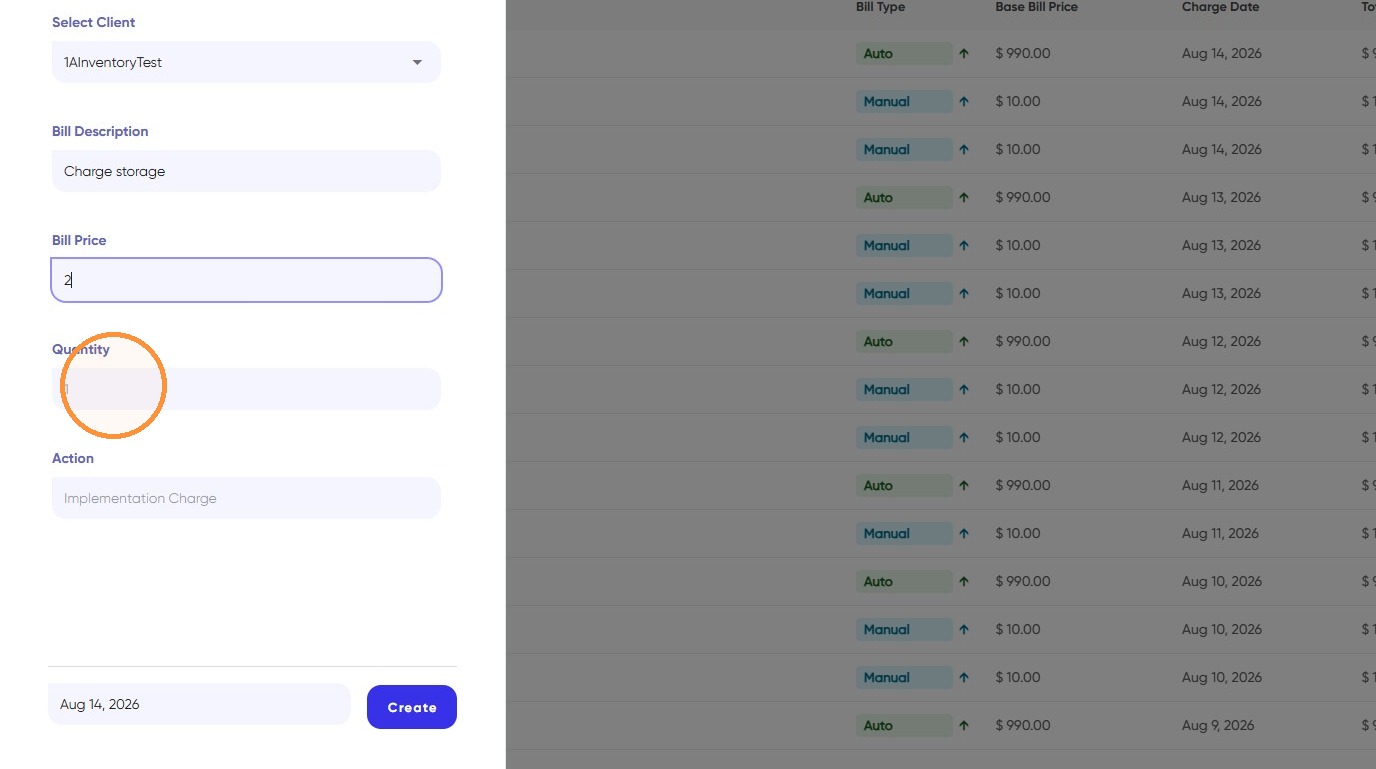
10. Write the action related to the charge.
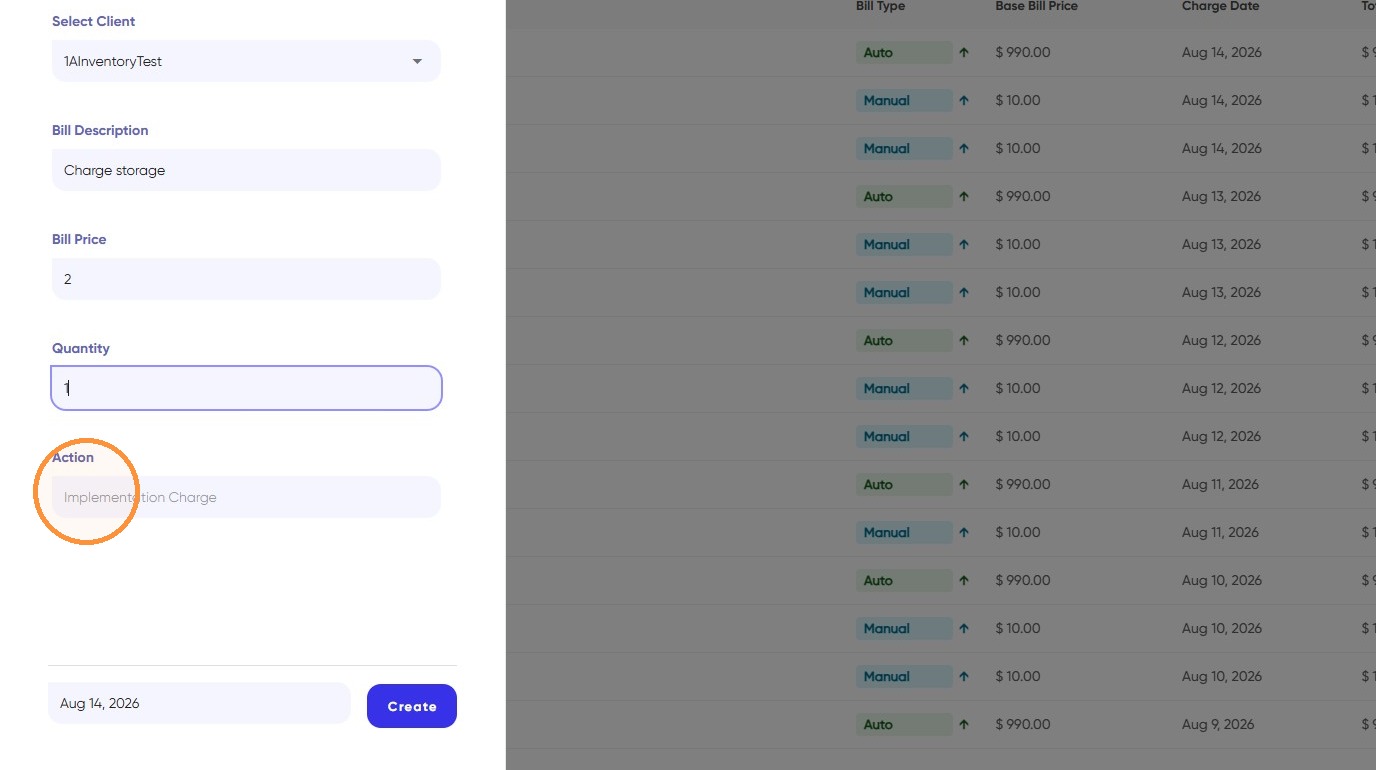
11. Click and select the date for which you want to add a transaction and create.
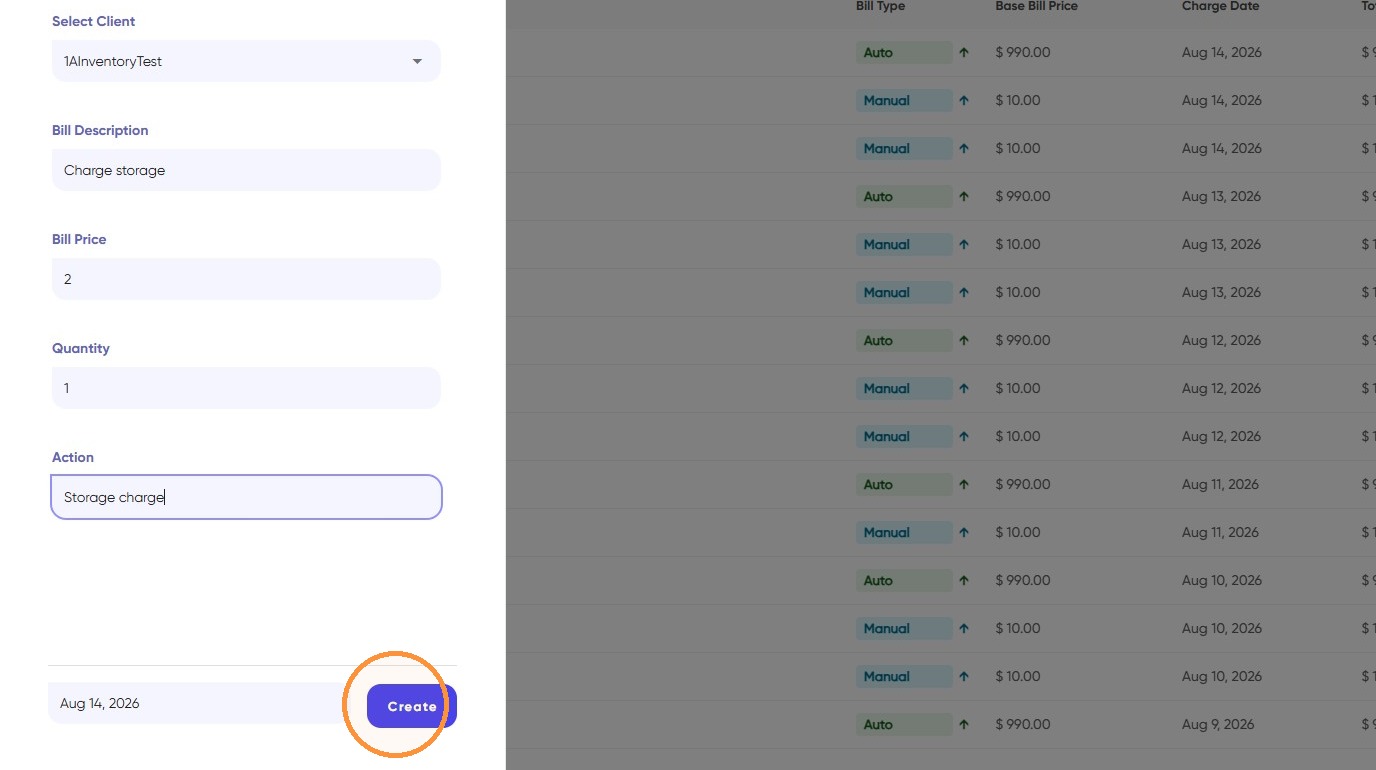
12. Finally, manual transaction has been created successfully!